Advanced Instancing | Puzzle Pieces
· One min read

Core Concepts
J
In Looking at the design of a simple ue system..I can't wrap my head around head following to start construction
Theoretically there would one dat table with the preset name description and values
One Table Per Preset or am I looking at setting and recalling the states wrong, and there is an easier way to save and set the state using storage ??
I will build it myself.. looking for the best approach to start working on this.
Hi Matthew,
i love to work along your tutorials and learn more about my best new friend since last year "Touchdesigner". Theres is one idea i take with me. thought about a cube geometry with different pictures on each side. thats for the moment no problem, but how can i get the pictures changing automatically after a few seconds out of a folderDat. Any ideas?
Hey Matt!
So I've tried banging my brain around 10 different ways to where I'm sure it now resembles a sphereSOP – noiseSOP but I'm still coming up a little short. Naturally, I thought about your THP 494 Shape lesson but I was not able to figure out what I'm missing so I'm coming straight to teacher for some guidance.
I'm trying to recreate the attached image. I'm using a GridSOP, MetaballSOP – MagnetSOP which sort of works but I'm missing some very important part of the process. Can you have a look at this and give me a hint as to what I'm missing?
You certainly do not have to correct the work unless you want to but a point in the right direction (haha) would really help me sleep tonight!
Hello,
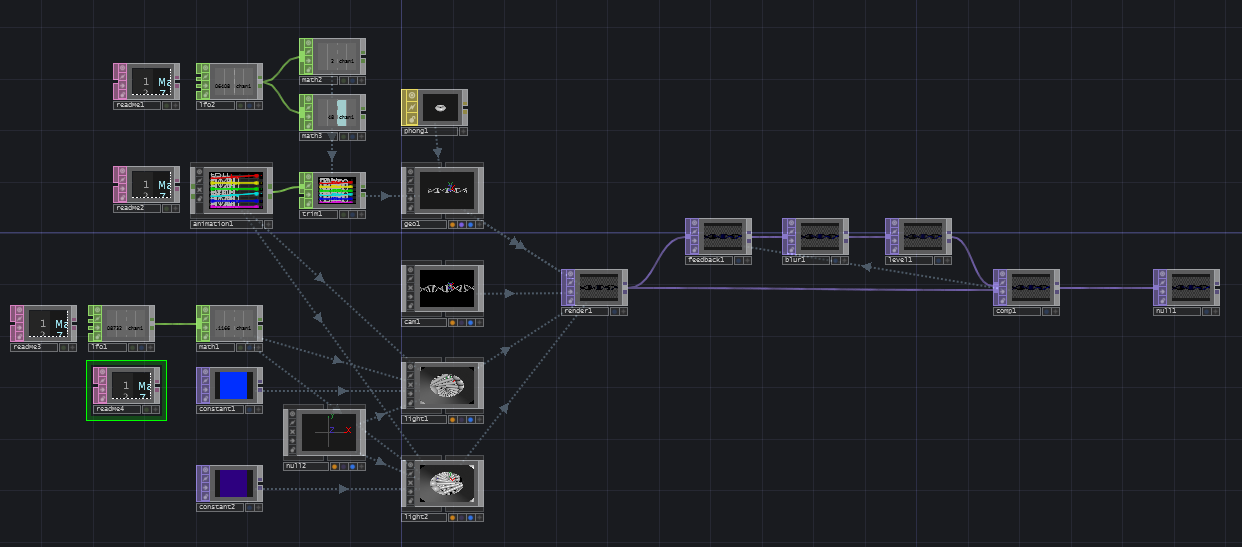
First of all.. Thank you for the knowledge , that you share – It is great . I watch all your tutorials in Youtube and they help me a lot . I would like to ask for a tutorial or advice how to make something in Touchdesigner . Its a Audio reactive DNA . I have seen tutorials for Qaurtz composer and i have done it there . I found one in the TD forums , but its not so good in a way that there is a limitation in the twisting of it .
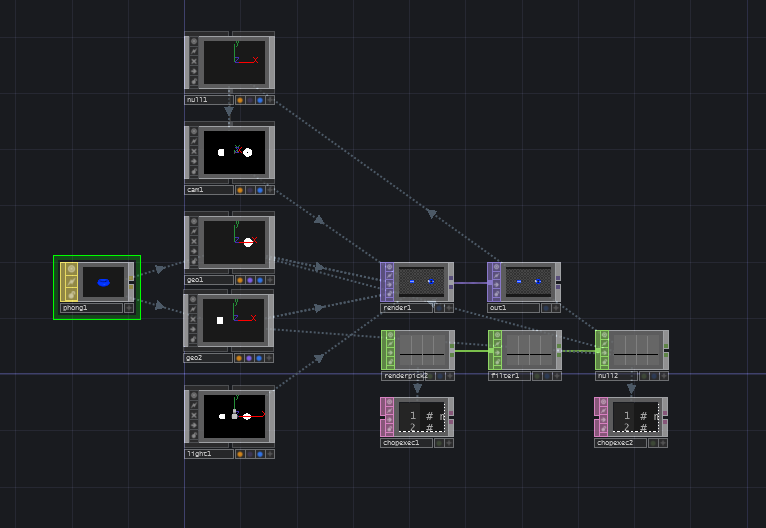
Hi Mathew, I'm a 3D artist trying to learn touch designer and your videos have made a huge difference for me (I've been at it for a while), you also even helped me on the forums recently figure out how to control rotation of my instances along a curve. (if you'd like to see the finished version of that project by the way you may here:
So you've made a killer component that you love using, but you suddenly find yourself wondering how best to re-use it in future projects. You could make a killer control panel for it, or create a more generalized method for passing in values with in CHOPs or DATs. You could just resign yourself to some more complex scripting – reaching deep into your component to set parameters one at a time. You could hard code it, you'll probably be making some job specific changes to your custom component anyway, so what's a little more hard coding? The 50000 series now features custom parameters, or you could use variables, or storage. Any one of these options might be right for your component, or maybe they're just not quite right. Maybe what you really need is a little better reach with Python, but without as much head scratching specificity. If find yourself feeling this way, than extensions are about to make your TouchDesigner programming life so, so much better.
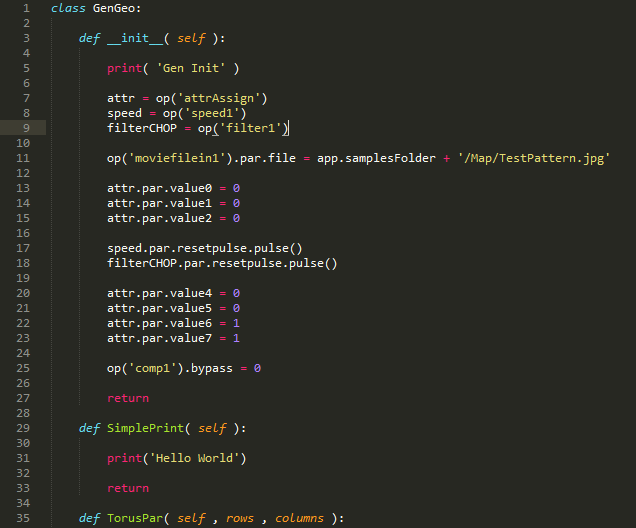
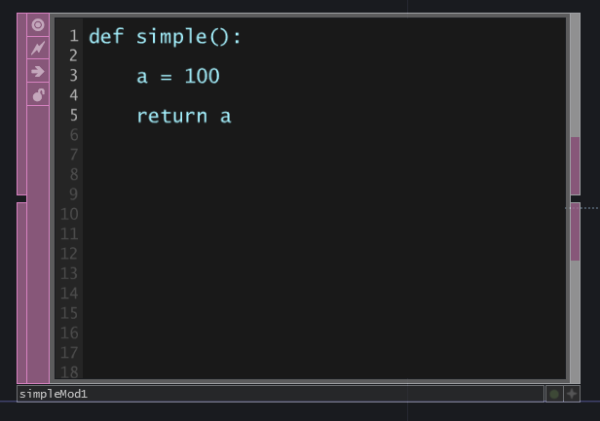
Having the flexibility to write expressions in reference fields for an operator is an incredibly powerful feature in TouchDesigner. This can free you from the necessity of doing computation outside of your reference, making for much tidier networks and programming. However, if you've ever tried to write a long expression, or a multi line logical test you might find yourself scratching your head about how to best make that work. Today we'll look at how you can write a function as a module which you can then call in a parameter. First we'll take a look at the basic pieces of this idea, and then we'll explore what that might mean as a more complex exploration of this kind of idea.