Instant Instancing | TouchDesigner

· 10 min read
Matthew Ragan
Pixel Pusher

"What if I want ten-thousand. Literally. Ten Thousand."

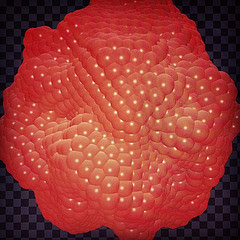
Back when Wonder Dome was in full swing I had the great honor of meeting some of the folks from Concordia's Topological Media Lab. While some of their folks were in residence with ASU's school of Arts Engineering and Media. They've spent a significant chunk of time building a system that they call Ozone, which is largely powered by Max MSP and Jitter. While they were visiting with us at Wonder Dome, they had lots of questions about TouchDesigner, how it works and how it was working for us. We talked bout a number of different things that day, but my favorite moment came over lunch. We were talking about making surfaces, and the flexibility and challenges involved. After we had added a sphere to our network, one of the team members asked me "what if I want to make a lot of them. What if I want to make ten-thousand. Literally. Ten Thousand." There are lots of ways you might do this, but one of my favorite ways to think about making multiple copies of the same object is with instancing.
Production image

2D Sliders | TouchDesigner

· 9 min read
Matthew Ragan
Pixel Pusher

The other day I took a moment to write down how to change a horizontal slider into a vertical one in TouchDesigner. This got me thinking, and I realized that in addition to a good ol vertical slider, a 2D slider (or an XY slider) would be another handy tool to have your disposal. Why make these yourself when there are a ton of tools already made in the TUIK tool set? Good question – there are a ton of wonderful pre-made control tools at our disposal there, but if we want to take some time to better understand how those tools work and and the programming logic behind them then it's worth taking some time to make our own versions. It's part mental exercise, part challenge, all fun. Maybe.

Production image

Shuffling Words Around | Isadora

· 6 min read
Matthew Ragan
Pixel Pusher

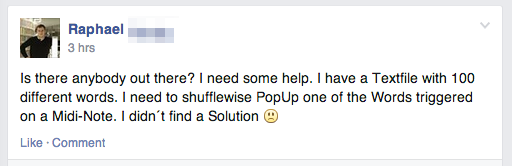
About a month ago I was playing about in Isadora and discovered the Text/ure actor. Unlike some of the other text display actors, this one hides a secret. This actor lets you copy and paste into a whole block of text that you can then display one line at a time. Why do that? Well, that's a fine question, and at the time I didn't have a good reason to use this technique, but it seemed interesting and I tucked it into the back of my mind. Fast forward a few months, and today on the Facebook group – Isadora User Group (London) – I see the following call for help:

Production image

Vertical Sliders Please | TouchDesigner

· 5 min read
Matthew Ragan
Pixel Pusher

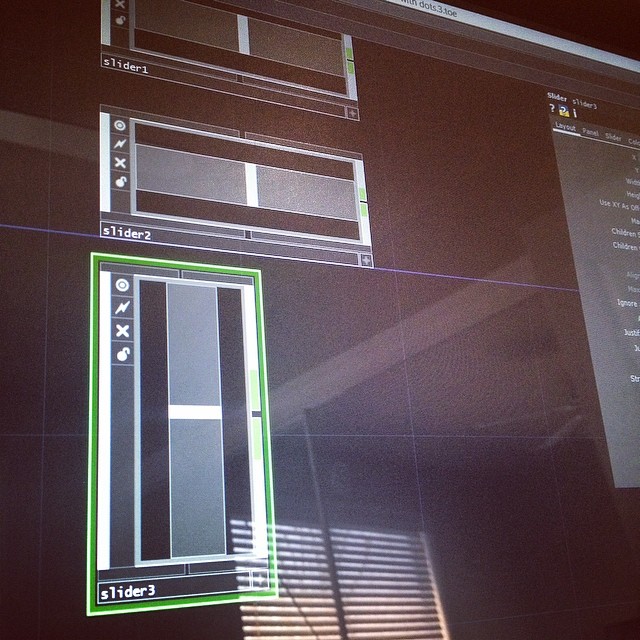
If you've done any interface building in TouchDesigner, you've surely noticed that there is a button and a slider Comp at your disposal. These are outstanding building blocks to use when you're creating interfaces, and give you a ton of flexibility and dependability.

Production image

In the past I've taken some time to talk about making some changes to the Button Comp, but what about the slider Comp? Won't someone think of the slider comps?! Perhaps most importantly, what about making a vertical slider – the standard slider comp is horizontal, and wouldn't it be nice to have one that worked up and down instead of left to right? Well, today is your lucky day – let's look at how to make a few changes to our stock horizontal slider and turn it into a vertical slider instead.

Let's start by first looking at what's inside of our slider, and what makes it tick so to speak.

OSC Remote Control | TouchDesigner

· 12 min read
Matthew Ragan
Pixel Pusher

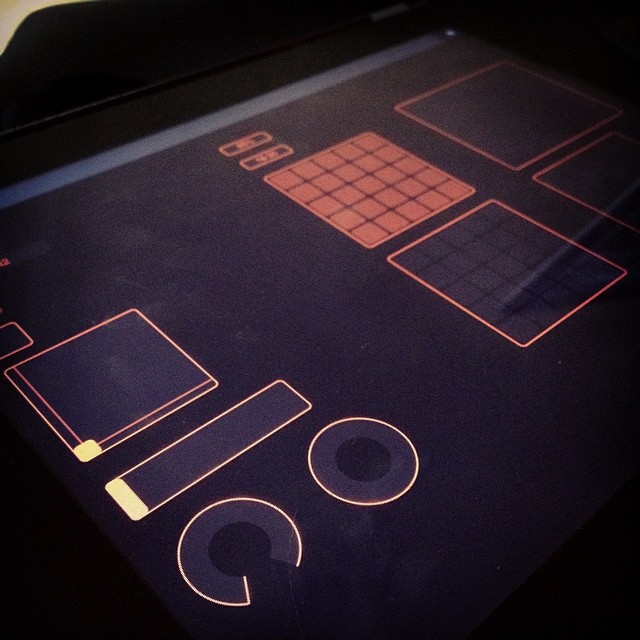
There's a lot to love about the internet, really. But I think one of my favorite things is how it connects people, how it flattens old hierarchies (not really, but let me wax idealistic for the sake of this intro) and connects people. In starting to program with TouchDesigner, I did the thing that any smart n00b would do – I joined the forum. The TouchDesigner forum is a great place to ask questions, find answers, learn from some of the best, and to offer help. We've all been stuck on a problem, and a commons like this one is a great place to ask questions, and keep tabs on what others are doing. To that end I shared a technique for sending and receiving OSC data with TouchDesigner back in October of 2013. I also shared this on the forum, because this happened to be something that I figured that others might want to know more about. My post was a simple example, but often it's the simple examples that help move towards complex projects. As it turns out, someone else was fighting the same battle, and had some questions about how to make some headway – specifically they wanted to look at how to create an interface that could be controlled remotely with TouchOSC or from the TouchDesigner control panel itself. Ideally, each interface's changes would be reflected in the other – changes on a smartphone would show up in the TouchDesigner control panel, and vice versa. I caught the first part of the exchange, and then I got swallowed by the theatre. First there was The Fall of the Hose of Escher, then Before You Ruin It took over my life, and then I spent almost a month solid in Wonder Dome. Long story short, I missed responding to a question, and finally made up for my bad Karma by responding, even if belatedly. It then occurred to me that I might as well write down the process of solving this problem. If you want to see the whole exchange you can read the thread here.

Enough jibber-jabber, let's start programming.

Production image

TouchOSC | Serious Show Control

· 8 min read
Matthew Ragan
Pixel Pusher

I know. You love your iDevice / Android. You love your phone, your tablet, your phablet, your you name it. You love them. Better yet, you've discovered Hexler's TouchOSC and the thought of controlling your show / set / performance set you on fire – literally. You were beside yourself with glee and quickly set yourself to the task of triggering things remotely.

Production image

TouchDesigner | Evaluate DAT Magic

· 7 min read
Matthew Ragan
Pixel Pusher

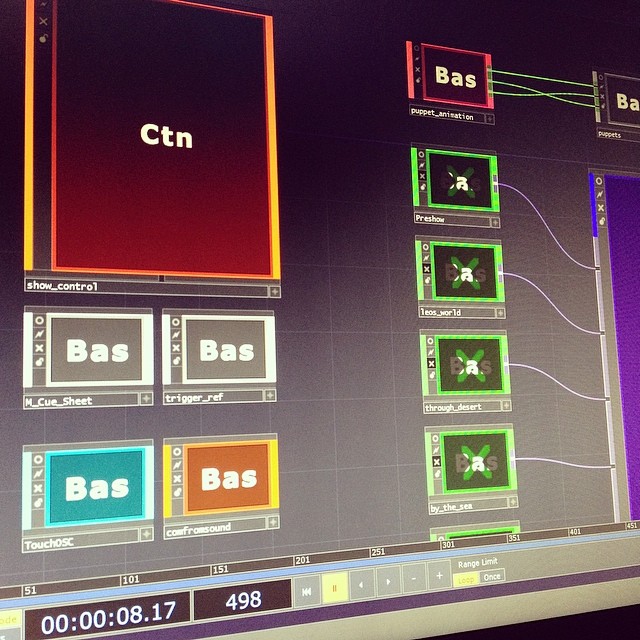
Let's say you're an ambitions person, maybe too ambitious, and all of a sudden you have a control panel with 68 buttons that need to trigger various scenes, effects, and transitions. Let's also say that your TouchDesigner network is vast enough that you need (and I mean in a big way) a simple method for getting information about what's active in your network. If you find yourself programming the media for a live theatrical event with these same kinds of concerns, the Evaluate DAT might just be the best friend that you didn't know that you needed.

Production image

TouchDesigner | Container Display

· 4 min read
Matthew Ragan
Pixel Pusher

A quick one today that addresses problems I didn't know that I had until I decided that I wanted to show off. In Wonder Dome I'm finding that sometimes the best way to build a scene is to use methods encapsulated inside of a container that make some change to some source imagery. This approach gives me a quick access to the parameters that I'm the most likely to use in a given method, without requiring that I always dive into the container to make changes.

Production image

TouchDesigner | Replicators, and Buttons, and Tables, oh my

· 8 min read
Matthew Ragan
Pixel Pusher

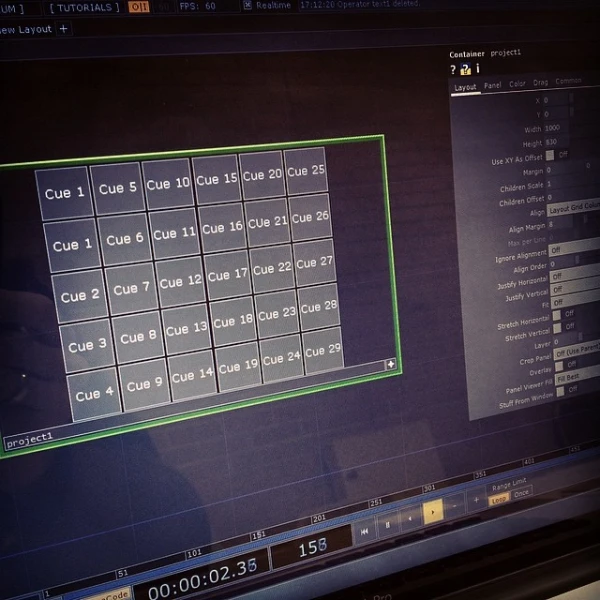
I want 30 buttons. Who doesn't want 30 buttons in their life? Control panels are useful for all sorts of operations in TouchDesigner, but they can also be daunting if you're not accustomed to how they work. In the past when I've wanted lots of buttons and sliders I've done all of my lay-out work the hard way… like the hardest way possible, one button or slider at a time. This is great practice, and for anyone who is compulsively organized this activity can be both maddening and deeply satisfying at the same time. If you feel best when you're meticulously aligning your buttons and sliders in perfect harmony, this might be the read for you. If, however, you like buttons (lots of them), and you want to be able to use one of the most powerful components in TouchDesigner, then Replicators might just be the tool you've been looking for – even if you didn't know it.

Production image