70 posts tagged with "Production"

Working on live events

View All Tags

Understanding Extensions

· 17 min read
Matthew Ragan
Pixel Pusher

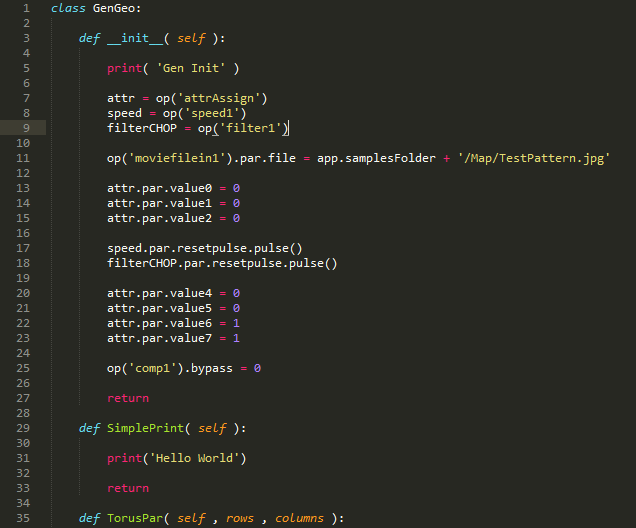
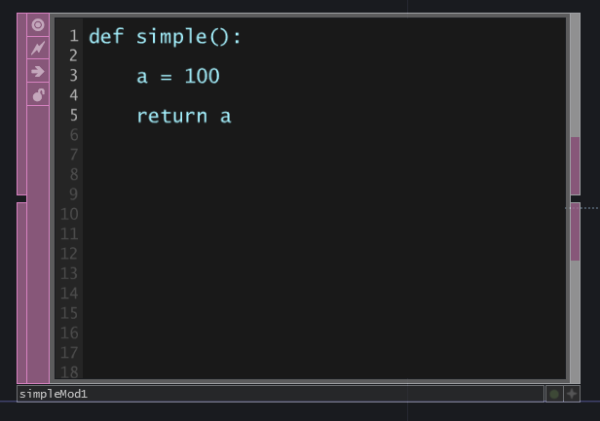
So you've made a killer component that you love using, but you suddenly find yourself wondering how best to re-use it in future projects. You could make a killer control panel for it, or create a more generalized method for passing in values with in CHOPs or DATs. You could just resign yourself to some more complex scripting – reaching deep into your component to set parameters one at a time. You could hard code it, you'll probably be making some job specific changes to your custom component anyway, so what's a little more hard coding? The 50000 series now features custom parameters, or you could use variables, or storage. Any one of these options might be right for your component, or maybe they're just not quite right. Maybe what you really need is a little better reach with Python, but without as much head scratching specificity. If find yourself feeling this way, than extensions are about to make your TouchDesigner programming life so, so much better.
Production image

Modules as Reference Expressions

· 11 min read
Matthew Ragan
Pixel Pusher

Having the flexibility to write expressions in reference fields for an operator is an incredibly powerful feature in TouchDesigner. This can free you from the necessity of doing computation outside of your reference, making for much tidier networks and programming. However, if you've ever tried to write a long expression, or a multi line logical test you might find yourself scratching your head about how to best make that work. Today we'll look at how you can write a function as a module which you can then call in a parameter. First we'll take a look at the basic pieces of this idea, and then we'll explore what that might mean as a more complex exploration of this kind of idea.

Production image

Getting More out of the CHOP Execute DAT

· 8 min read
Matthew Ragan
Pixel Pusher

One of the most challenging elements for me to wrap my heard around when using TouchDesigner was the Execute DATs. When scripting was still new to me, it was hard to understand where to start, or what to write. It was also hard to understand what kind of options I had when dealing with the execute family of DATs. Let's take a closer look at some of the interesting elements that you can extract from a CHOP Execute DAT, and hopefully learn a few things along the way.

Production image

Make a Copy of that Table

· 2 min read
Matthew Ragan
Pixel Pusher

When working with DATs there are often a whole host of operations that we want to be able to take advantage of that don't make sense when we initially look at the documentation on the TouchDesigner Wiki. One simple example of this is how copy operations work. A clear example of this might be how copy operations work. For example, I have a table full of information but I'd like to make a copy of it for another part of my network. If we look at the Table DAT Class wiki page we see this:

copy(DAT)

Copy the text or table from the specified DAT operator. OP – The DAT operator whose contents should be copied into the DAT. How can we make sense of this?

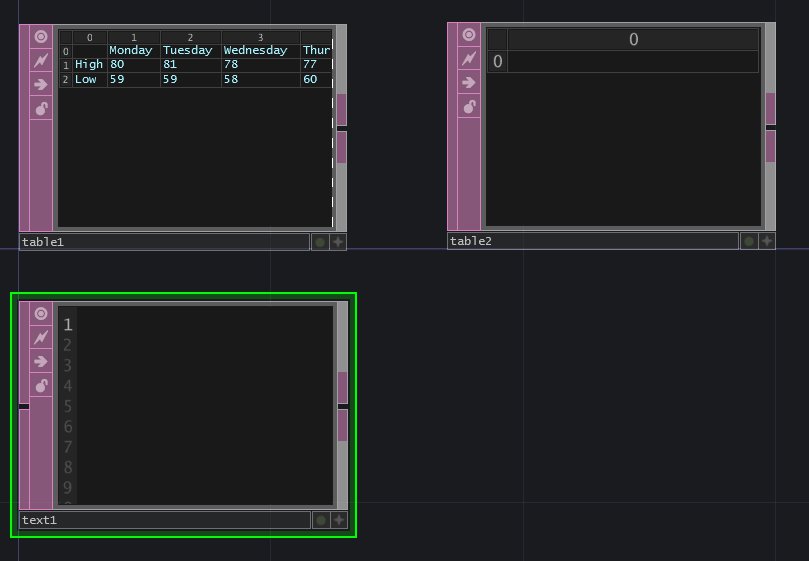
Let's start by first setting up a simple table – you can fill it with any information that you'd like. We also want an empty Table DAT, as well as a Text DAT.

Production image

Drop Scripts

· 6 min read
Matthew Ragan
Pixel Pusher

We all love some drag and drop action – we use it all the time, and in fact have often come to expect it to be a feature in nearly every application we interact with. With that in mind, how can we think about integrating some drop actions into our work in TouchDesigner? Well, today is your lucky day! Here we're going to look at some of the fundamental ideas that will help you get started with much more complicated drag and drop functions.

Anatomy of a Drop Script

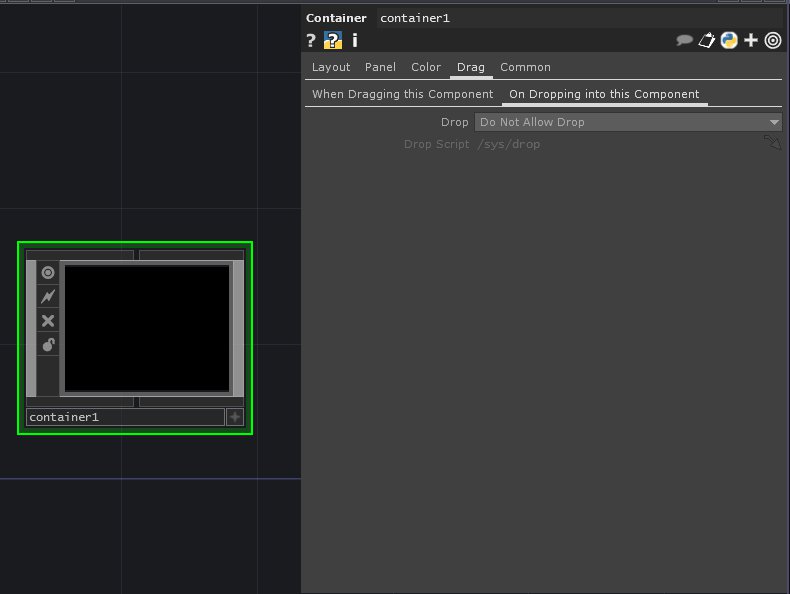
Let's start by setting up a container to perform some actions based on when we drop a file onto it – this will help us get our bearings, and see how dropping works. First we need to set up our container to work with a drop script. First add a new container to a network, next let's go to the Drag page of the container, and look at the sub page labeled "On Dropping into this Component."

Production image

Choosing a Directory

· 4 min read
Matthew Ragan
Pixel Pusher

Sometimes when you're building an interface for an application you suddenly realize that you need what aught to be a simple feature. Time and again I've found myself wanting to be able to quickly select a directory for TouchDesigner to use for a bin of images or movie files. This is a pretty simple feature to add to your network, and we can do this with just a simple panel execute DAT and a few lines of Python. Let's take a closer look at what goes into make this happen.

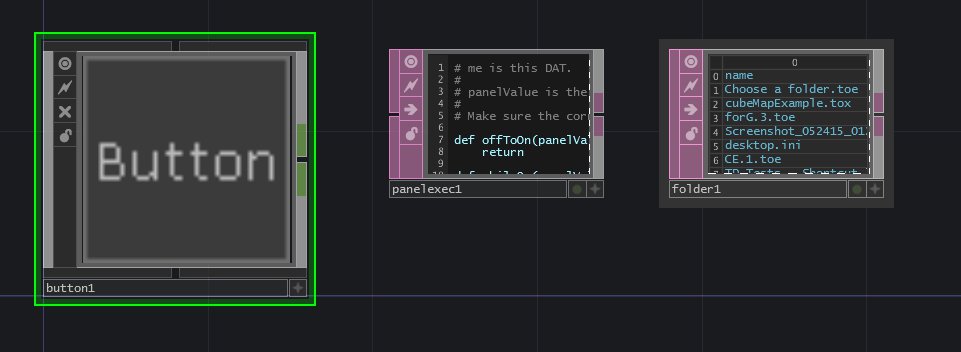
To get started we need a few initial ingredients in our network. We need a button (or something to trigger our script), a Folder DAT, and a Panel Execute DAT.

Production image

Understanding Referencing Part II | TouchDesigner

· 7 min read
Matthew Ragan
Pixel Pusher

I love me some referencing. The more you work with TouchDesigner, the more you'll find that you need a solid understanding of how referencing connects the various parts of your network. Better still is getting a better handle on how Python scripting works in TouchDesigner – especially dot notation. At the heart of what we're after is making sure that our networks can start to feel a little more interconnected. Hard coding values makes for tedious programming, especially if you're building something you'd like to reuse. By starting to think about how to build some logic into the system we're making we begin to build reusable tools. If you're still getting a handle on how referencing works, then it's a good idea to get started here (Understanding Referencing) to get your bearings.

Production image

Rendering | TouchDesigner

· 13 min read
Matthew Ragan
Pixel Pusher

If you spend much time programming in TouchDesigner, eventually you'll want to start doing some real-time rendering. When dealing with rendering some 3D geometry we need to get a few pieces of our network correctly set-up to get started. There are, of course, lots of different methods for rendering but we can get started with some rendering basics.

Production image

Understanding Referencing | TouchDesigner

· 12 min read
Matthew Ragan
Pixel Pusher

Referencing is one of the most powerful tools at the programmer's disposal in TouchDesigner. Referencing creates a direct link between two or more floats or integers. This allows you to link operators that are outside of their respective families – normally you can only connect CHOPs to CHOPs and TOPs to TOPs, but referencing allows you to create connections between nearly any operators. There are a number of way to create these links with references or expressions. In many of the other posts that I've written I often write about using expressions and references, but haven't taken much time to talk in depth about what this is, how how it all works. Let's change that.

Production image

Let's Make this Table Data Move | TouchDesigner

· 7 min read
Matthew Ragan
Pixel Pusher

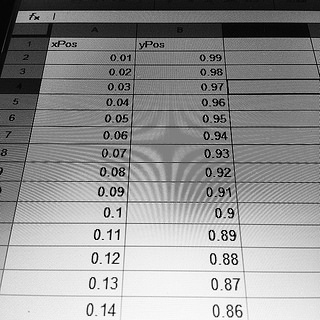
Working with live streaming data is about as good as it gets when it comes to programming – this is especially true if you're working on a project that looks to create a recognizable relationship between live data and media. What, then, is a person to do when placed in a situation without access to a live source of data? Whatever the project, the best way to tackle this problem is to find a source of prerecorded information. If you're working on something like motion tracking, using a pre-recorded video is an excellent solution to this problem. What about sensors that aren't image based? What if I'm dealing with a series of floats? What happens if those floats just come to me in a table? How can I take a series of recorded data points that live in an text file and make them move? That's exactly one of the problems that came up for me recently, and I've got a handy trick that will make it easy to work with a data set in a table as though it were streaming into your TouchDesigner network live.

Production image